# What Is Restaurant Batch Tracking and How Does It Connect Production to Branches?
Last updated: September 12, 2026 Author: Mustafa Muhisen, Founder of Shamel
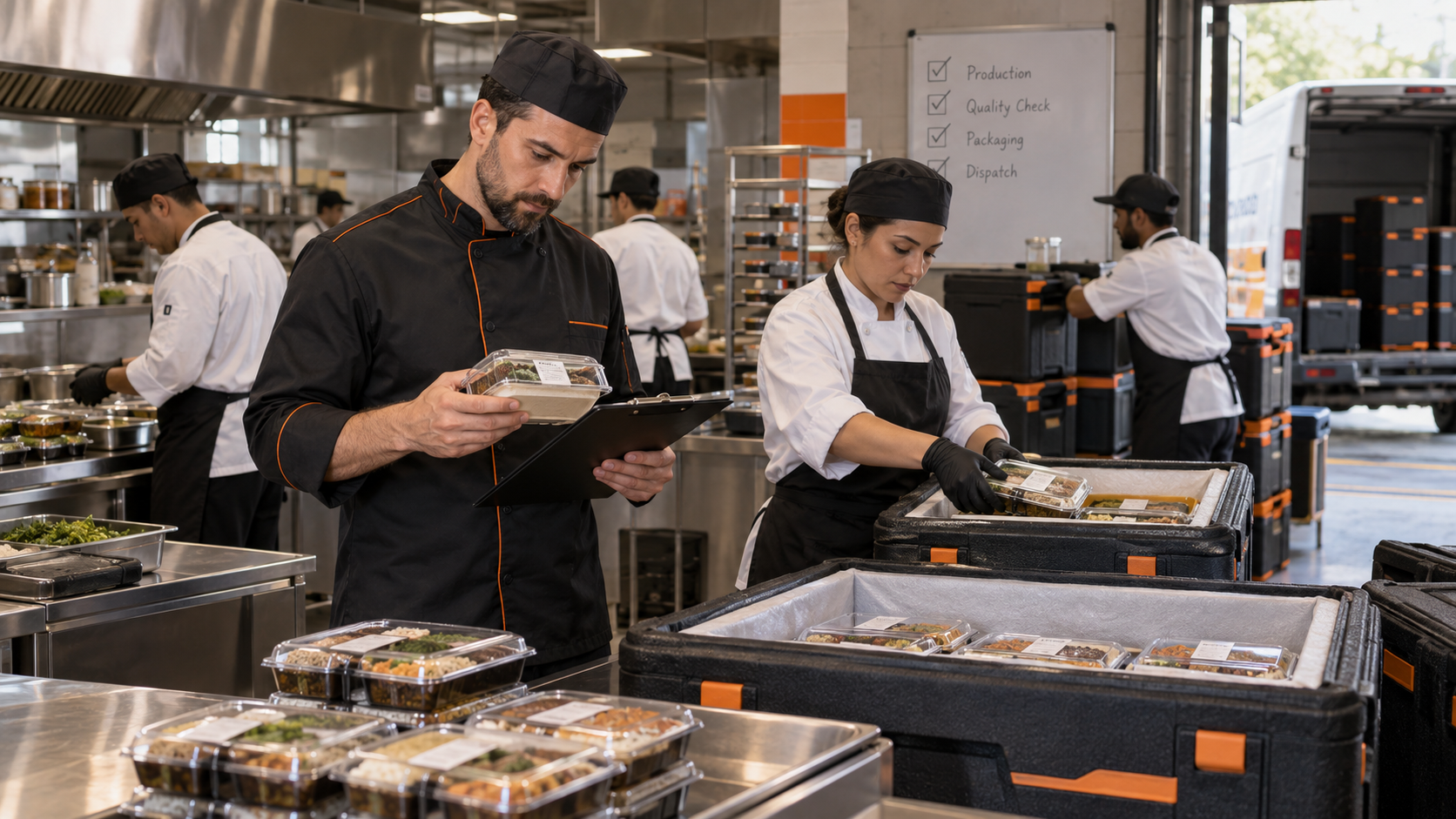
Restaurant batch tracking gives every production quantity a separate identity and follows it from the production location to the receiving branch and final action. It allows managers to see when a batch was produced, when it expires, who approved it, which branch received it, and whether it was sold, rejected, or discarded.
What Is a Restaurant Production Batch?
A batch is a defined quantity of a product prepared at the same location, at the same time, and under the same production conditions.
If a central kitchen produces 20 kilograms of sauce in the morning, that quantity is one batch. If another quantity of the same sauce is produced in the evening, it becomes a separate batch.
Each batch may have a different:
- Production time.
- Expiry time.
- Responsible employee.
- Quality result.
- Receiving branch.
- Final outcome.
Without this separation, the product name becomes the only available reference, making it difficult to identify the affected quantity when a problem occurs.
What Information Should a Batch Record Include?
Every batch should have an independent record containing the information required to follow it without relying on employee memory or old messages.
The record should include:
- Product name.
- Batch number.
- Produced quantity and unit.
- Production location.
- Production date and time.
- Expiry date and time.
- Receiving branch.
- Employee who created the batch.
- Person who performed the quality check.
- Approval or rejection decision.
- Branch receiving time.
- Employee who received it.
- Final status: sold, discarded, rejected, expired, or active.
Not every field must appear on the label, but the complete information should remain available in the batch record.
Why Does Every Batch Need a Unique Number?
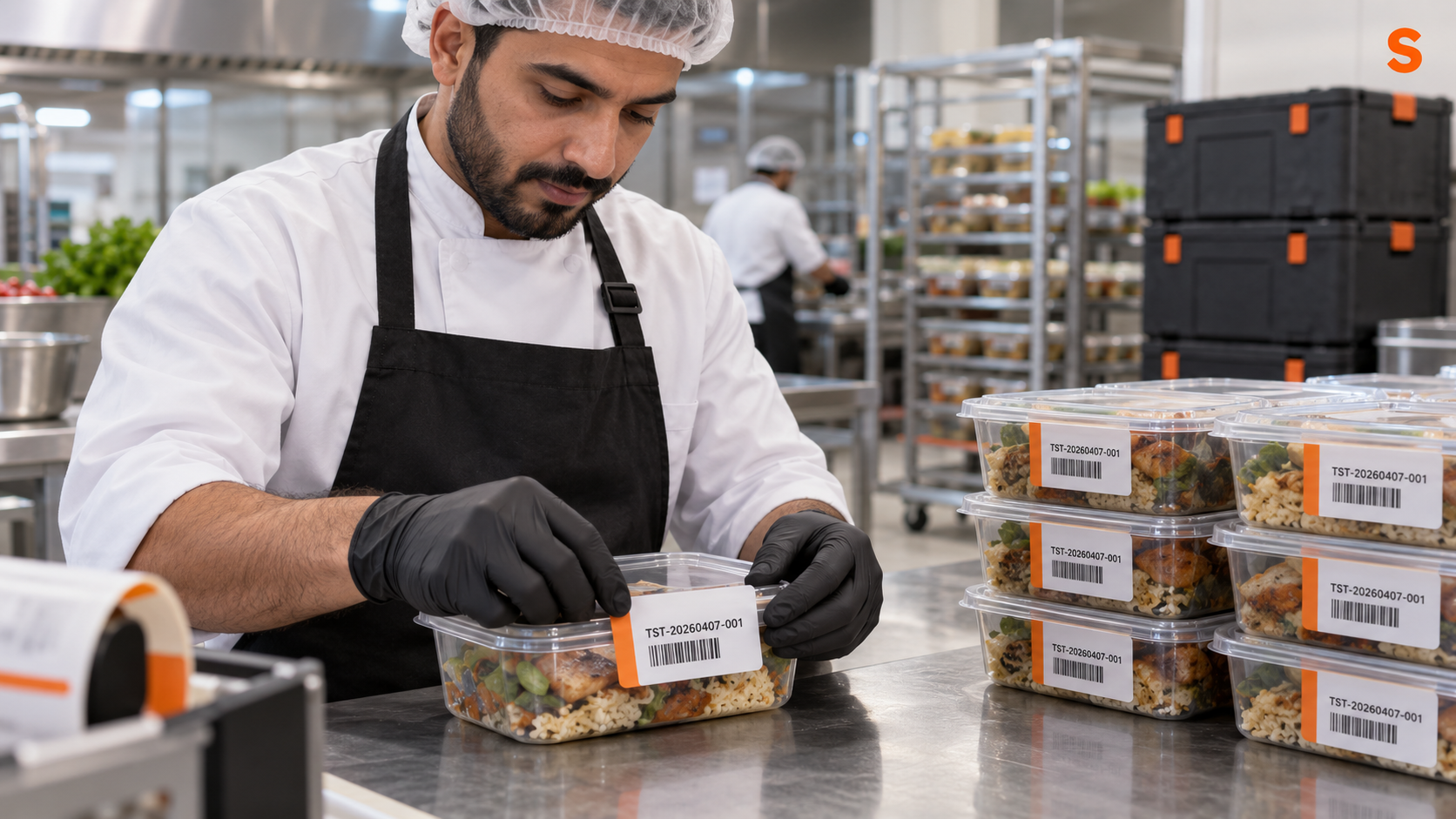
A unique batch number separates quantities carrying the same product name. Instead of searching for “tomato sauce,” managers can search for a specific record such as:
`TST-20260407-001`
The number points to one batch even when the same product is produced several times during the day.
It helps teams:
- Connect the label to the correct record.
- Identify a rejected batch.
- See which branches received it.
- Review its production and expiry times.
- Document sale or disposal.
- Identify the people responsible for production and approval.
The number should preferably be generated automatically using a consistent format to avoid duplication and manual errors.
How Does the Batch-Tracking Cycle Work?
The cycle begins at production and does not end when the label is printed. Effective tracking continues until the batch is closed with a clear final action.
1. Create the Batch
The employee records the product, quantity, production location, and intended receiving location.
The system should generate a separate number even if the same product has already been produced that day.
2. Record Production and Expiry
The production date and time are recorded, followed by the exact expiry date and time according to the approved product procedure.
A date alone may not be enough for short-life products. A product with a 12- or 24-hour shelf life needs an exact time rather than a general note saying “expires tomorrow.”
3. Complete the Quality Check
Before dispatch, the batch should be checked against the restaurant’s approved product standards, such as taste, texture, and color.
If the batch does not meet the required standard, the rejection and reason should be recorded. This prevents an unapproved product from reaching branches and turns the rejection into information that can be reviewed later.
4. Print the Label
The label may include:
- Product name.
- Batch number.
- Production date and time.
- Expiry date and time.
- Receiving branch.
The label should remain connected to the same digital record instead of becoming an isolated handwritten note.
5. Receive the Batch at the Branch
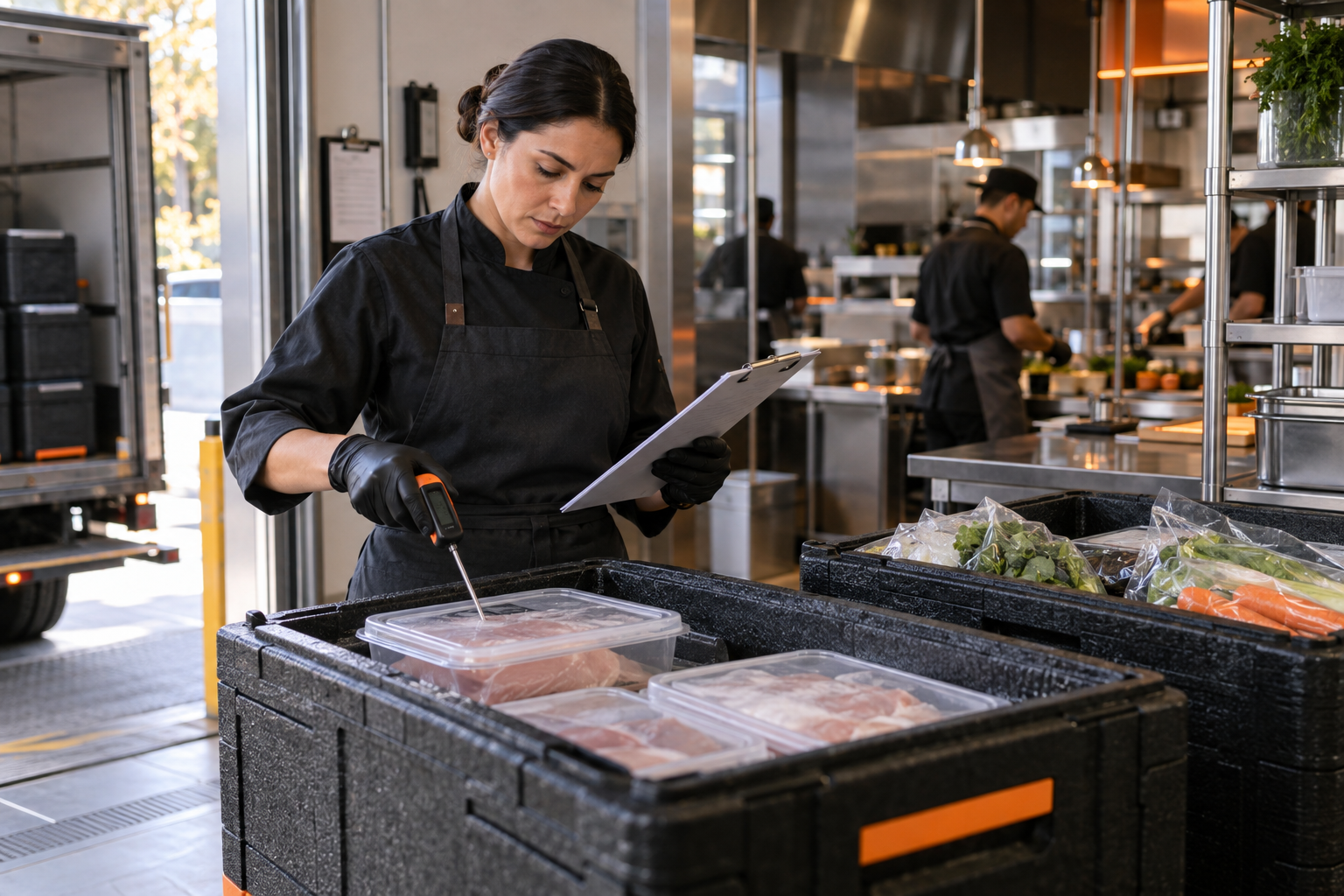
When a batch moves from the central kitchen to a branch, the receiving employee checks its condition and accepts or rejects it with a reason.
Production approval does not mean the branch must automatically accept the batch. Its condition may change during transportation, or it may arrive in a state that does not meet the required standard.
6. Close the Batch
The batch remains active until the final action is recorded. It may be closed as:
- Sold or used.
- Discarded.
- Rejected.
- Expired and awaiting action.
If an expired batch remains active, an operational gap exists: the expiry time has passed, but management still does not know what happened to the product.
How Does Batch Tracking Help When a Product Is Rejected?
When a batch is rejected, management needs to understand the reason and where the problem occurred.
Possible reasons include:
- Inconsistent taste or texture.
- Incorrect quantity.
- Missing or incorrect label.
- Transportation delay.
- Unsuitable condition on arrival.
- Too much of the shelf-life period passing before delivery.
Without a batch number, feedback may become a general comment such as “today’s sauce was not good.” It does not identify the production time, quantity, responsible employee, or affected branches.
Connecting the rejection to one batch makes it possible to review the entire case and create a corrective action.
How Is Batch Tracking Connected to Expiry?
Batch tracking connects expiry to a specific production quantity rather than to a product name in general.
A branch may hold two containers of the same product with different production and expiry times. Treating them as one record can lead employees to use the newer batch first or leave an expired batch inside the refrigerator.
Separate batch records allow teams to:
- Prioritize products by expiry.
- Identify batches approaching expiry.
- Receive an alert before the deadline.
- Record whether the batch was sold or discarded.
- Identify the quantity discarded and the reason.
An expiry alert does not automatically calculate the remaining stock quantity. It follows the batch expiry time and the action recorded by the user.
Why Do Paper and WhatsApp Batch Records Fail?
Paper and spreadsheets can support a basic process, but gaps appear as the number of products, branches, and employees increases.
Common failures include:
- Writing the product name without a batch number.
- Using different recording formats between branches.
- Losing label photos between WhatsApp messages.
- Approving production without recording branch receiving.
- Allowing expiry to pass without a final action.
- Rejecting a product without connecting the reason to production.
- Requiring managers to combine several files to understand one case.
The individual records may be accurate, but the execution chain remains incomplete because every step is stored somewhere else.
How Does Shamel Apply Batch Tracking?
In Shamel, each batch receives a sequential number and a record containing its quantity, production location, receiving branch, production time, and expiry time. The batch passes through a quality check, and the branch can accept or reject it with a documented reason before it is closed as sold or discarded.
This connects production, approval, receiving, and expiry in one workflow. Rejected batches and expired batches without action can also appear as violations requiring follow-up.
The purpose is not to add unnecessary work. It is to prevent responsibility from becoming lost between the central kitchen and the branch.
How Can You Start Tracking Batches?
Start with products manufactured in quantities and transferred between locations rather than attempting to track everything immediately.
- Select a limited product group.
- Define the required information for every batch.
- Adopt a consistent batch-number format.
- Assign the person who creates each batch.
- Assign the person responsible for approval.
- Define branch acceptance and rejection procedures.
- Connect every batch to an exact expiry date and time.
- Require a final recorded action.
- Review rejection and disposal reasons weekly.
- Improve production, transportation, or training based on recurring cases.
Frequently Asked Questions
Is Batch Tracking the Same as Inventory Management?
No. Inventory management monitors stock movement and remaining quantities, while batch tracking follows a particular production quantity, its identity, expiry, approvals, and movement between locations. They can work together, but they solve different operational problems.
Does Every Product Need a Batch Number?
Products prepared or manufactured in quantities need a number that distinguishes each production run. Restaurants can define the initial scope according to risk and operational needs, then expand the process gradually.
When Does a Batch Cycle End?
It ends when the final action is clearly recorded, such as sale, use, disposal, or rejection. Expiry alone does not close the batch; the team must document what happened to the product afterward.
Who Should Approve a Batch?
This depends on the restaurant’s structure. An authorized production employee or chef normally approves quality, while a branch employee confirms receiving when the batch moves from a central kitchen to another location.
Does Batch Tracking Prevent Food Waste?
It does not prevent waste by itself. It identifies the products, quantities, and reasons associated with repeated disposal or rejection, helping management improve production, shelf life, transportation, or training.
Try Shamel free for two months. Contact us on WhatsApp: +962 7 8135 9814